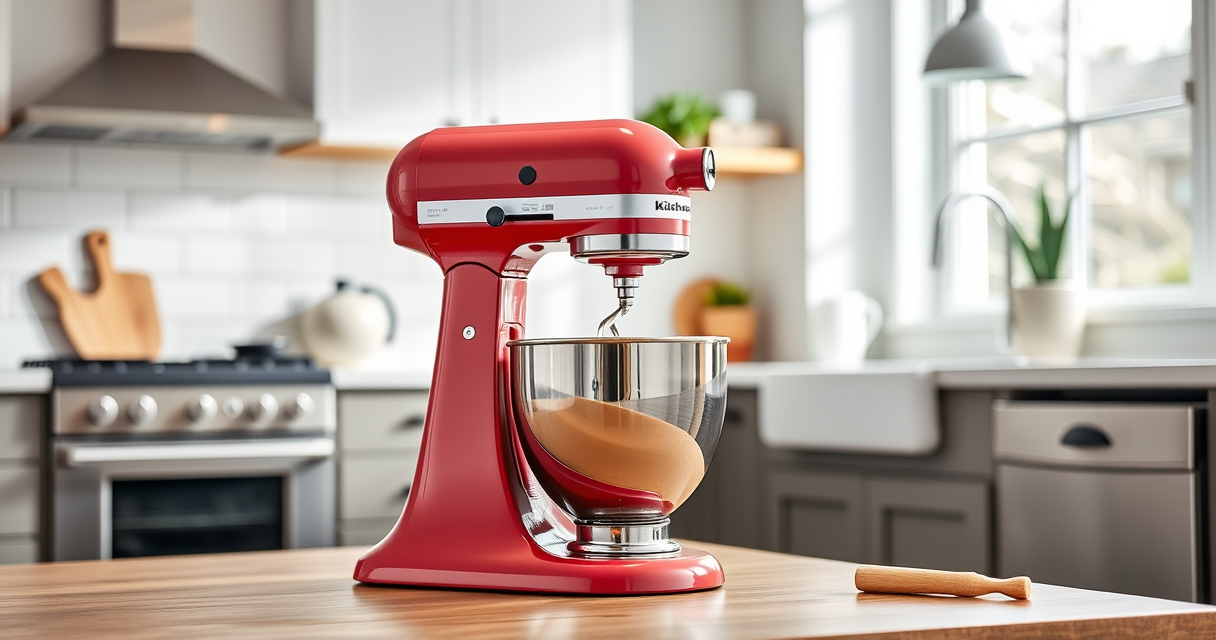

If your KitchenAid Artisan Series 5 Quart Tilt Head Stand Mixer is making a grinding noise, it could be due to several common issues. Addressing these promptly can prevent further damage and restore quiet, efficient operation. This guide walks you through practical, safe troubleshooting steps to identify and fix the problem.

Get kitchen staples and gadgets delivered free with Prime
- Fast, free delivery on millions of items
- Prime Video, Amazon Music and more included
- Member-only deals all year
Before starting, ensure the mixer is unplugged for safety. Gather basic tools like a screwdriver and a soft cloth. Follow each step carefully to avoid damage or injury.
Key Takeaways
| Identify the noise source | Determine if the noise is coming from the motor, gear, or attachment. |
| Check for debris or obstructions | Foreign objects or hardened ingredients can cause grinding sounds. |
| Inspect and lubricate moving parts | Regular maintenance prevents mechanical failure and noise. |
| Replace worn gears or components | Worn or damaged parts are often the cause of grinding noises. |
| Ensure proper attachment installation | Incorrectly fitted attachments can create abnormal sounds. |
Step 1: Unplug and Inspect the Mixer
- Unplug your KitchenAid Artisan stand mixer to ensure safety.
- Remove the attachment (if any) and examine the attachment hub for debris or damage.
- Check the beater, wire whip, or dough hook for any hardened ingredients or obstructions.
Step 2: Check for Foreign Objects or Hardened Ingredients
- Clear any debris or food particles lodged in the attachment area or bowl.
- Wipe the attachment hub and gear housing with a damp cloth to remove dust or grime.
Step 3: Examine the Gears and Internal Components
- Remove the mixer’s outer casing following the manufacturer’s instructions.
- Inspect the gears for signs of wear, chipped teeth, or damage.
- If gears are worn or damaged, they should be replaced.
Step 4: Lubricate Moving Parts
- Apply a small amount of food-grade lubricant to the gear shafts and moving parts, if accessible.
- Reassemble the mixer carefully, ensuring all parts are properly aligned.
Step 5: Test the Mixer
Plug the mixer back in and run it at a low speed. Listen for any grinding noise. If the noise persists, further inspection or professional repair may be necessary.
The Products in This Guide

KitchenAid Artisan Series 5 Quart Tilt Head Stand Mixer
- ✔ Model: KSM150PS
- ✔ Includes: Pouring shield, milkshake accessory
- ✔ Dimensions: 14 x 8 x 14 inches

KitchenAid Stand Mixer Attachment
- ✔ Attachment Type: Food Grinder
- ✔ Power: Uses stand mixer motor
- ✔ Cleaning: Wipe with a damp cloth
KitchenAid Artisan Series 5 Quart Tilt Head Stand Mixer
The KitchenAid Artisan Series 5 Quart Tilt Head Stand Mixer is built to last with metal construction and multiple touchpoints for thorough mixing. However, grinding noises can occur due to gear wear or debris buildup. Regular maintenance can keep it performing optimally.
Pros:
- Sturdy metal construction
- Multiple speeds for versatility
- Large 5-quart capacity
- Tilt-head for easy access
Cons:
- Gears may wear over time
- Noise if not maintained
- Requires occasional internal inspection
Best for: Home bakers and cooking enthusiasts needing a durable mixer
Not ideal for: Heavy-duty commercial use or high-frequency professional settings
Bottom line: A reliable mixer that benefits from regular upkeep to prevent grinding noise.
KitchenAid Stand Mixer Attachment
The KitchenAid Metal Food Grinder attachment connects seamlessly to your stand mixer, providing efficient grinding for meats, vegetables, and more. It’s a practical upgrade to help keep your mixer in top shape for various tasks.
Pros:
- Multiple grinding plates included
- Sturdy metal construction
- Easy to attach and clean
- Large food tray for batching
Cons:
- Requires refrigerator chilling for best results
- Additional purchase needed
- Attachment may add noise during operation
Best for: Homemade sausages, ground meats, or vegetables
Not ideal for: Heavy-duty commercial grinding
Bottom line: A durable attachment that expands your mixer’s culinary possibilities.
Frequently Asked Questions
What causes grinding noise in my KitchenAid mixer?
Common causes include worn gears, debris lodged in attachments, or lack of lubrication in internal parts.
Can I fix internal gear wear myself?
If you are comfortable with small appliance repairs, you can inspect and replace gears. Otherwise, consult a professional technician.
How often should I lubricate my mixer?
Lubricate moving internal parts during regular maintenance, especially if you notice increased noise or stiffness.
Is it safe to operate the mixer with a grinding noise?
No, operating with a grinding sound can cause further damage. Turn off and inspect before continuing use.
Keep Your KitchenAid Running Smoothly
Addressing grinding noises promptly ensures your KitchenAid Artisan stand mixer remains a reliable kitchen companion. Regular inspection, cleaning, and maintenance are key to preventing issues and enjoying trouble-free mixing for years to come.
Affiliate disclosure: As an Amazon Associate we earn from qualifying purchases. Prices and availability are accurate as of the time of publishing.
NFL season / tailgating Picks
team gear
As an affiliate, we earn on qualifying purchases.